Author: Abdurrahman Gohar

  • Some Bugs in VoxeLibre (0.87.1)

    Some Bugs in VoxeLibre (0.87.1)

    One bug that I noticed is that ghasts still do not not function properly. Their hitboxes are even weirder now, because it is now impossible to hit them, you cannot really go through them, and their fireballs cannot hit you. In the release notes for 0.87.0, it was mentioned that the ghast hitbox bug was patched, which, from my experience, was that ghasts’ hitboxes were located only at the bottom of their models (under the tentacle things, almost in a 2D plane), and thus I was only able to kill them from the bottom, but in the video below, playing in version 0.87.1, I could not hit them anywhere, and for some reason, they could not hit me as well.

    Another bug that I noticed is that Sharpness enchantments do not work when you relog into a world. I enchanted the diamond sword with Sharpness III twice, and both times, after I logged back into the world, the damage level reverted back to the unenchanted one. While the Sharpness enchantment does not work, you can see that the Unbreaking enchantment does, which is odd, and leads me to believe that only the Sharpness enchantment is buggy.

    One last thing, which I am not sure whether it is a bug or not, is the inability for shields to block blazes’ fireballs. In the video below, you can see me blocking my shield, but I still catch fire. This is really annoying, and I have died far too many times because I caught fire from blazes and was not able to block their fireballs. Keep in mind, you can block fireballs in Minecraft, but for some reason, it does not work in VoxeLibre. I have ruled out that the fireball is hitting the floor and then lighting me on fire because in the video, you can hear the shield blocking sound, but I still catch fire, and when I look down, there is not fire burning the crimson nether wart.

  • How to Utilize Minetest’s Textures

    How to Utilize Minetest’s Textures

    Minetest has an option to enable shaders in the settings tab. In order to do this, first click the little gears in the top right corner of the main tab. Next, go down under Graphics and Audio and click on Shaders.

    Under Shaders, there are several options: Waving Nodes, Dynamic Shadows, Post Processing, and Bloom.

  • Minetest Texture Pack Review: Baunilha

    Minetest Texture Pack Review: Baunilha

    Baunilha is a recently made texture pack I found made by user Mirtilto. The textures are incredible, and they match the style of Minetest’s default textures extremely well.

  • Minetest Mod Review: Skybox

    Minetest Mod Review: Skybox

  • The Power of Minetest Shaders

    The Power of Minetest Shaders

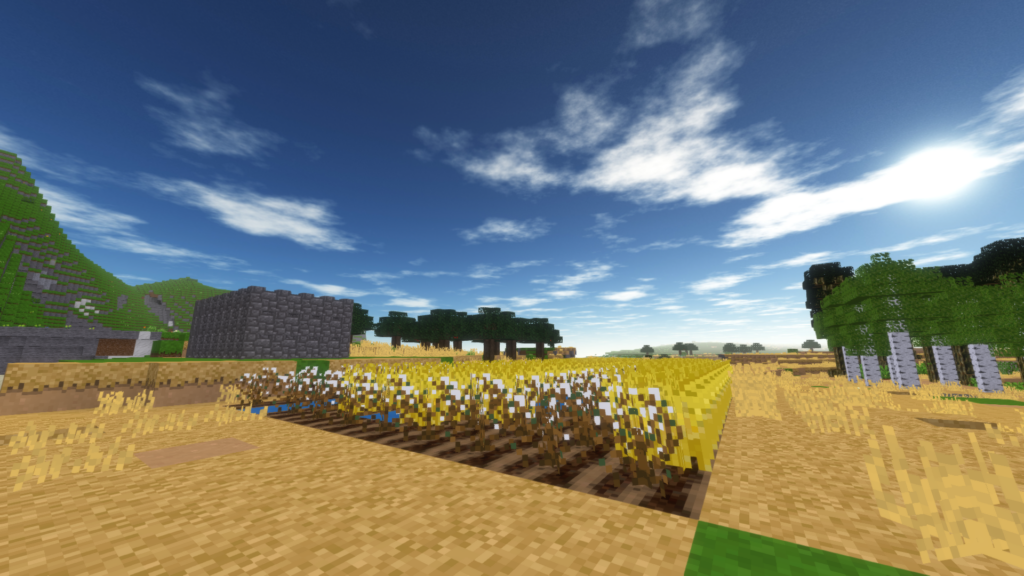
    Minetest has several things by default that Minecraft does not, namely, shaders. In Minecraft, you have to download shaders built by players, but in Minetest, you can enable and change the shaders in the settings. Another advantage that Minetest has over Minecraft is that it uses less resources runs faster than Minecraft. As a result, you can have shaders and still have smooth gameplay without needing a powerful PC.

    A demonstration of Minetest shaders

    As you can see in the above video, Minetest was stuttering a bit, but that was with my low-end laptop, not even a gaming laptop, let alone a gaming PC, with the shader settings all the way to the max. The shadows are what really strain the computers’ resources, but if you set the shadow quality to medium, the shadows look pleasing while still keeping the FPS up.